Skip to content
Back to

Voqey

Free

Turn speech into text locally on your Mac. Use a keyboard shortcut to capture a thought and insert it into the app you’re working in.

Download for macOS

Version 1.1

App Store version in review

System Requirements

  • macOS 15 or later
  • A Mac with Apple silicon or an Intel processor
  • An internet connection for the initial speech-model download
  • Free disk space for at least one speech model, approximately 148–574 MB depending on the model
Voqey application icon
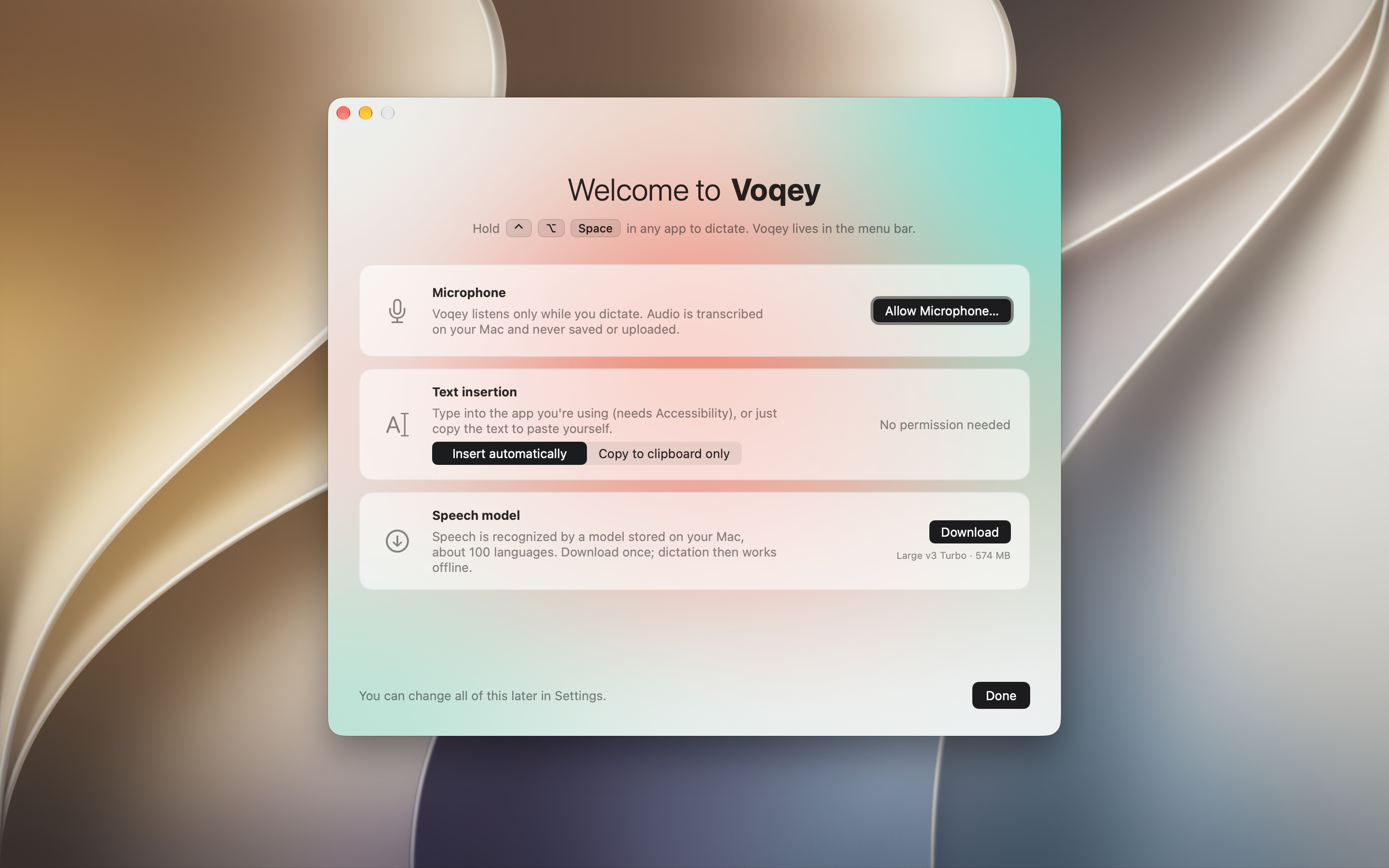
Get ready to dictate
Get ready to dictateAllow microphone access, choose how text is delivered, and download a speech model.
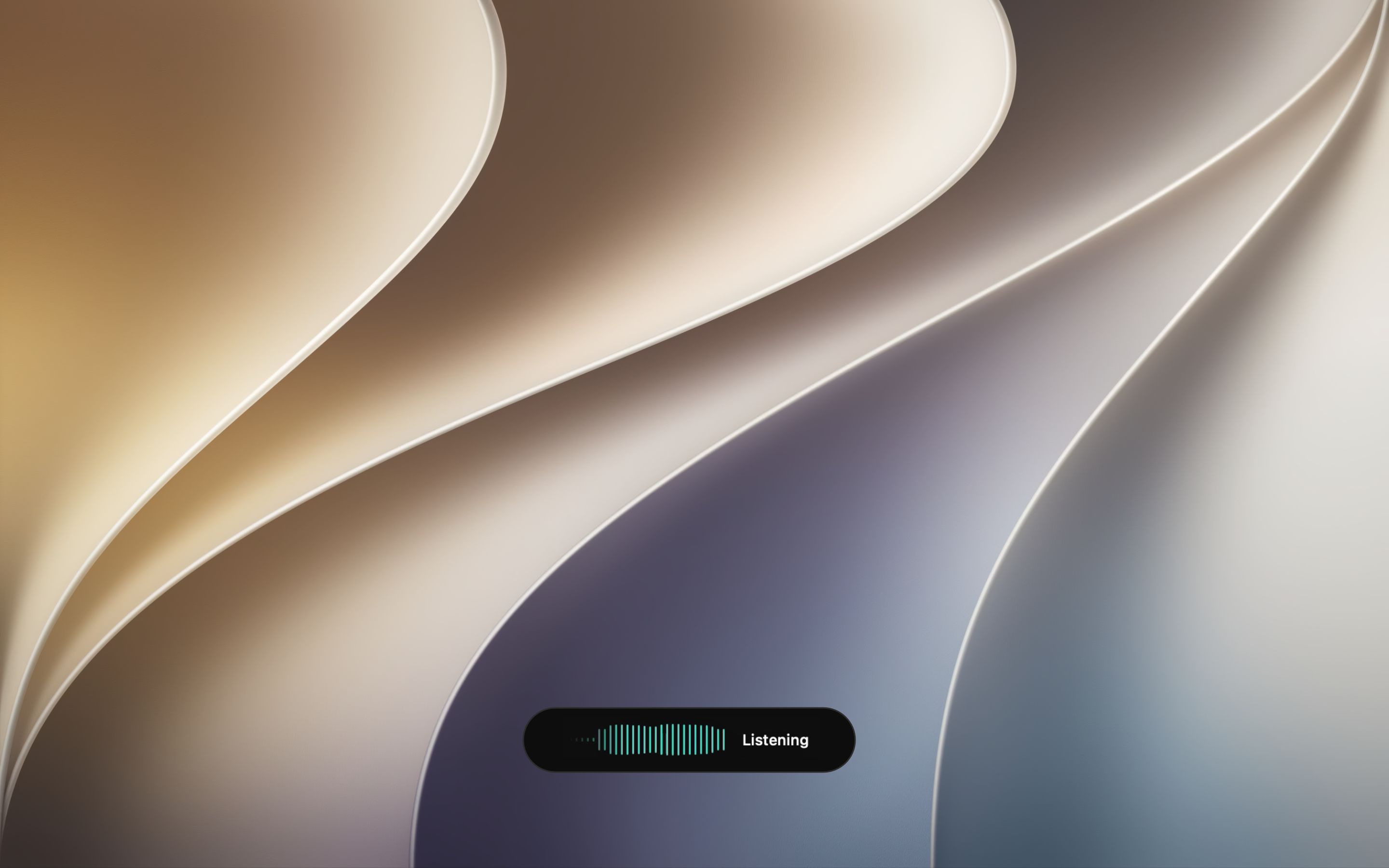
Hold a shortcut and speak
Hold a shortcut and speakA small indicator shows when Voqey is recording or transcribing.
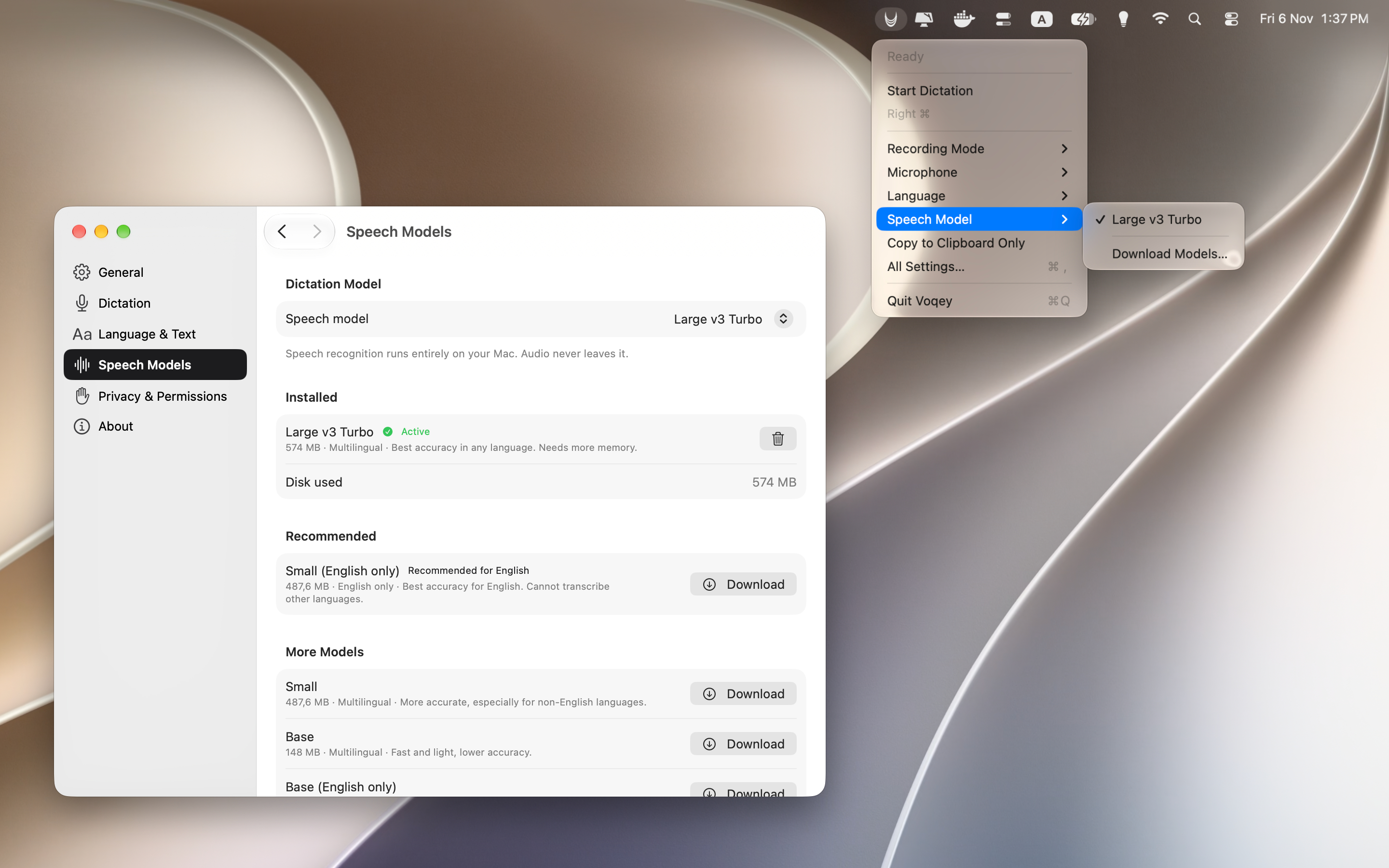
Quick settings in the menu bar
Quick settings in the menu barSwitch mode, microphone, language, or speech model without opening Settings. Models download once and run offline.
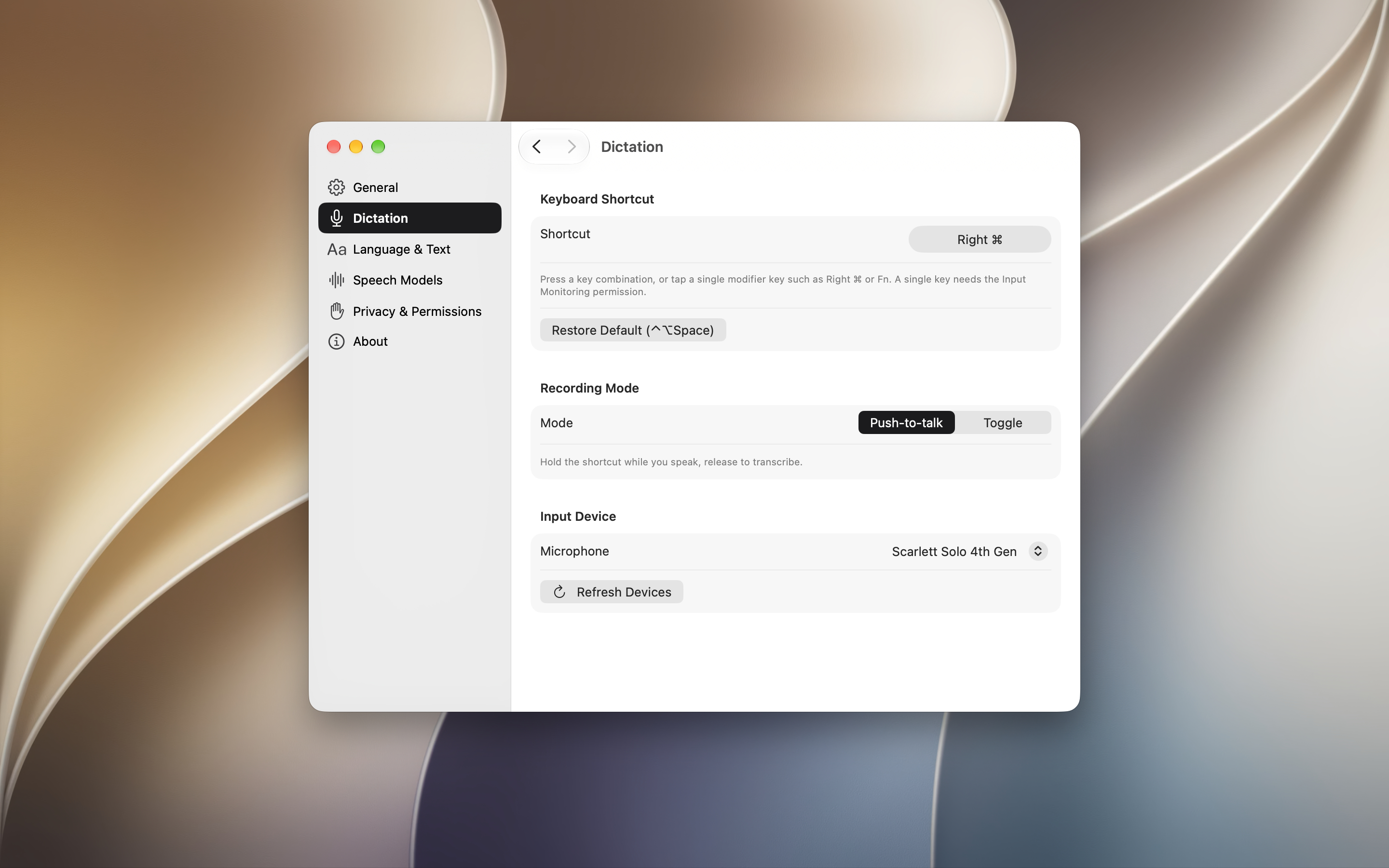
Your shortcut, your way
Your shortcut, your wayChoose a key combination or a single modifier key, push-to-talk or toggle, and the microphone to use.
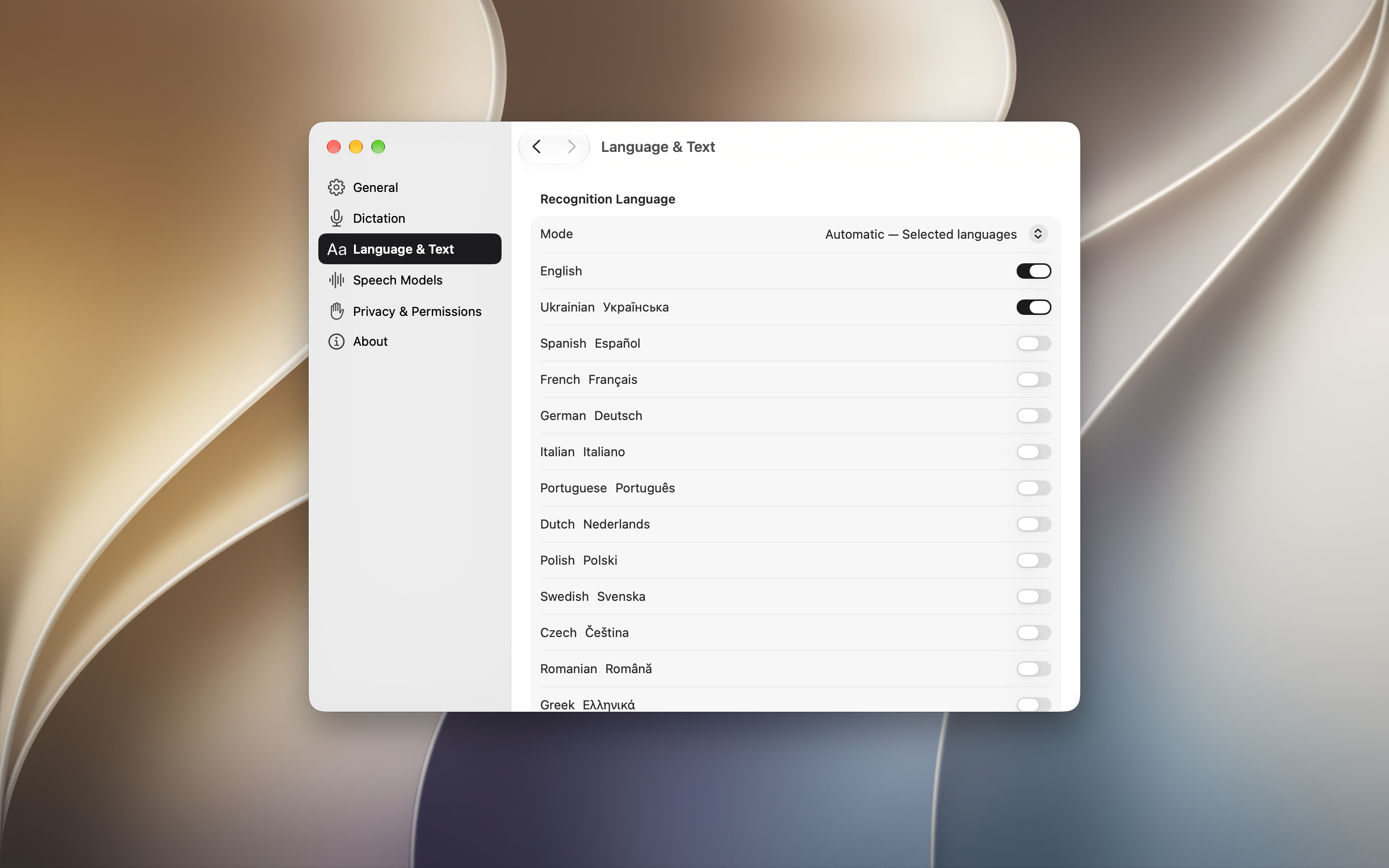
Speak in your languages
Speak in your languagesChoose automatic detection, a selected language set, or a fixed recognition language.
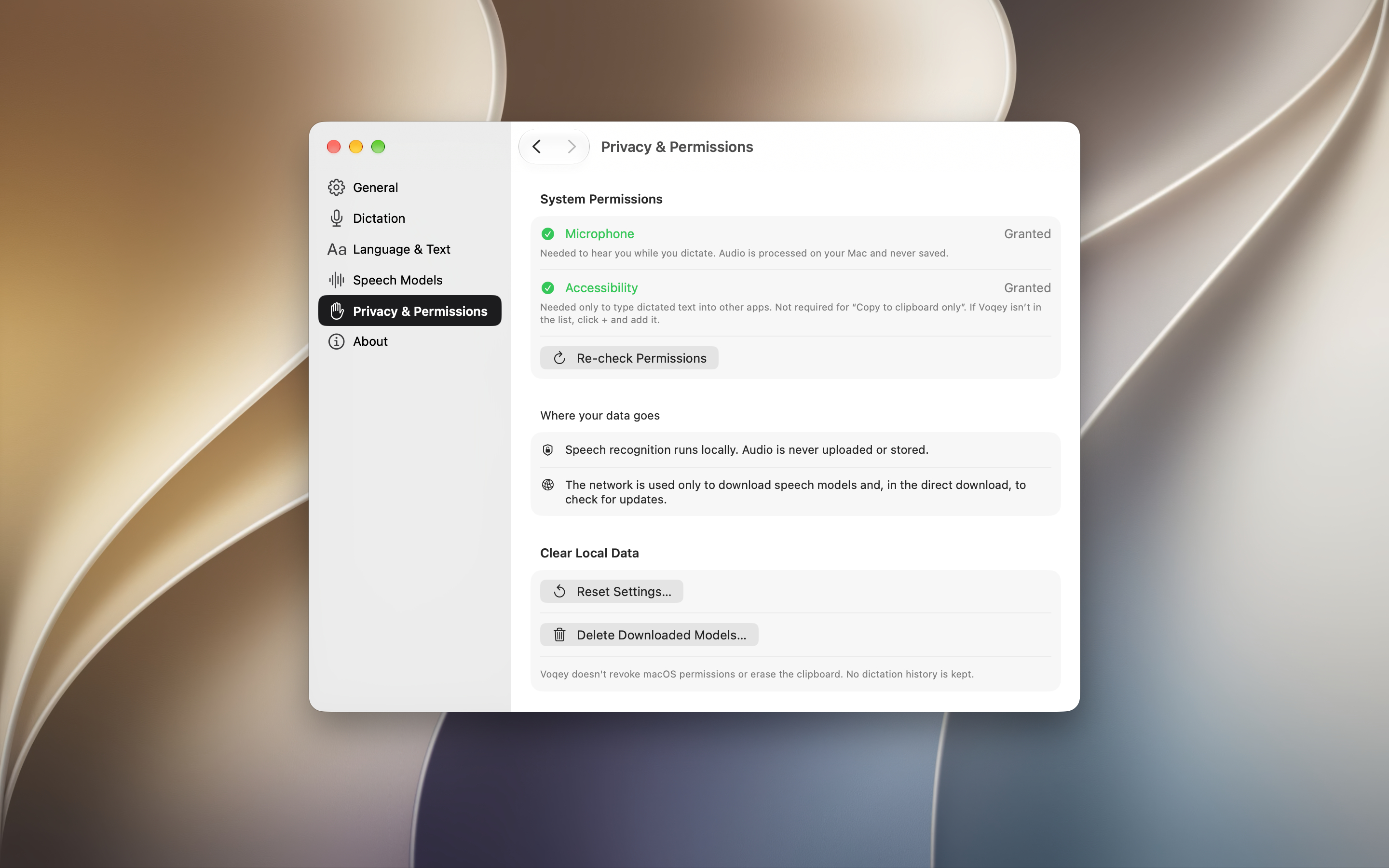
Private by design
Private by designAudio is processed on your Mac and never saved. Permissions are explained, and your local data is easy to clear.

Dictate where you work

Use a keyboard shortcut to turn speech into text in the active app. Choose automatic insertion or copy to the clipboard and paste it yourself.

Local speech recognition

Voqey transcribes audio on your Mac with Whisper. It does not save recordings or upload your audio or dictated text.

Many languages

Multilingual models can detect the language of each recording automatically. Choose detection across all supported languages, a selected set, or one fixed language.

Your choice of speech model

Download and switch between multilingual and English-only models in Settings. Once installed, models work offline.

Your shortcut, your microphone

Choose push-to-talk or toggle recording, set a global shortcut, and select your preferred microphone.